Publish a Bilingual Post with Categories, Tags, Images, and SEO
A cross-border article cannot serve two audiences by translating only its headline. This guide follows one repeatable sequence: choose a reader question, organize the article, write both language versions, and verify the published pages.
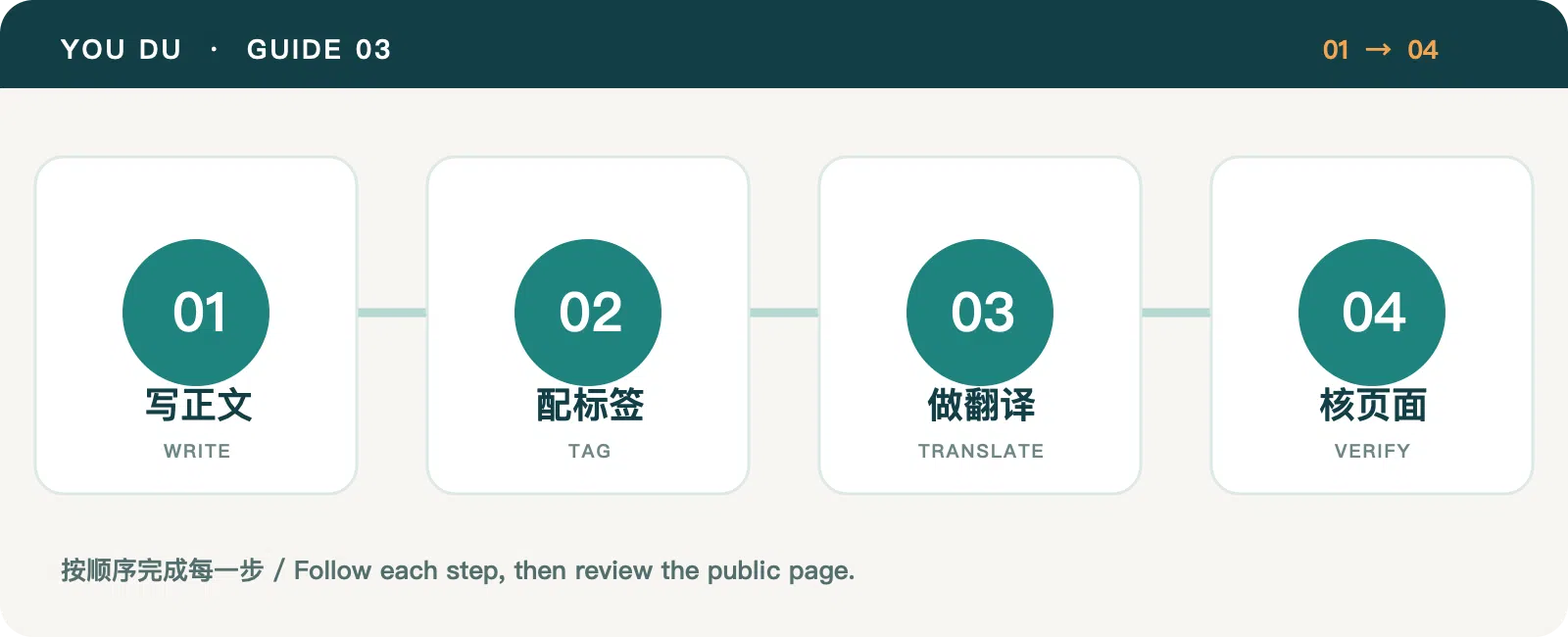
1. Start with a buyer question
Write down a specific question such as “What should an inquiry form ask?” or “How should a product page explain shipping?” Give one article one main job. State the answer early, then provide steps and evidence, and end with a useful next action. This is easier to read and maintain than a page listing every feature.
Open Articles → Posts → New in the admin. Choose a short, stable URL slug, a cover image, and the intended status. The body supports Markdown. Use second-level headings for the main steps, lists for checkable actions, and tables where comparison helps. Upload body images to the media library first, insert their public URLs, and write descriptive alt text.
2. Use categories and tags for different jobs
A category answers “Which long-lived section is this in?”—for example, Site Guides or B2B Growth. Tags describe themes crossing sections, such as Multilingual or Media & SEO. Create the relevant category and tags, then associate them with the post in its editor. Avoid a new one-off tag for every article, and do not replace a clear headline with a large pile of vague tags.
Link related articles. This series moves from site modes to brand and language setup and then to specific operating workflows.
3. Complete both language versions
Use the locale tabs to provide a title, body, readable URL, SEO title, and description for each language. An English version need not follow the Chinese sentence by sentence, but facts and steps should match. Review action labels, units, dates, links, and image descriptions.
Confirm the translation status of each locale. A language still marked as a draft or untranslated may not produce a public post page; publishing the primary language does not automatically publish every version.
4. Check the actual public pages
After saving, wait for the build and open both language URLs. Inspect the title, cover, body images, category and tags, internal links, and mobile layout. Confirm the post appears in the article list. If an image returns 404, check the media asset host and URL before editing the alt text.
Reusable checklist: one reader question; one stable slug; two complete bodies; a category and a few tags; cover and body art; locale-specific SEO summaries; and a final check of the public pages.
Category: Site Guides
Tags: Platform Guide · Multilingual · Content Publishing