Online Store Launch Checklist: Products, Pricing, Payment, and Delivery
Publishing a product is not the end of a store launch. A buyer moves from a product page through checkout, payment, delivery, and support; every step should tell a consistent story. Use this checklist for a first launch with a small catalog.
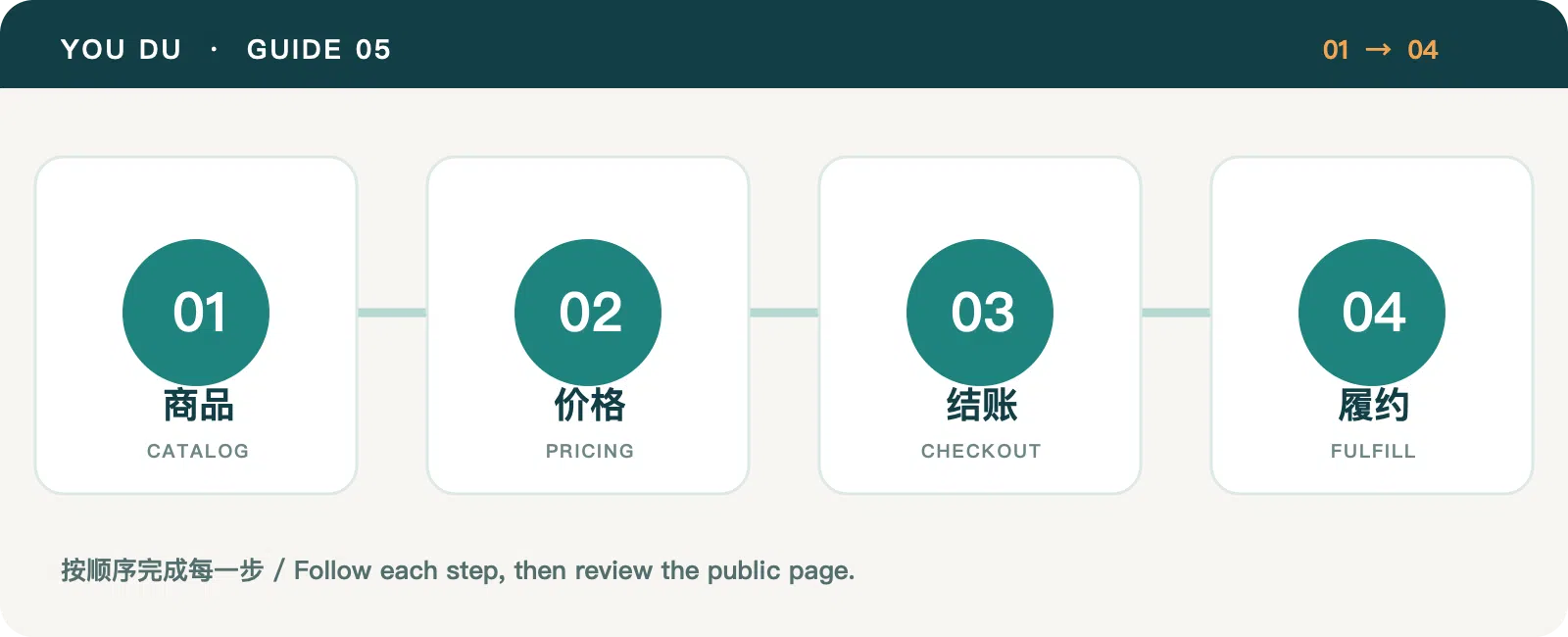
1. Make each product ready to buy
Create product categories and products in the store admin. Check the name, primary image, variants or specifications, stock, and purchase status. Describe ingredients or materials, use, packaging, and expected delivery. If supply is not reliable yet, keep the product in draft or disable purchasing rather than explaining the problem only after payment.
Review a product page on mobile. Are the price, specifications, add-to-cart action, and shipping explanation where a buyer needs them? The product-page writing guide offers an order for those details.
2. Check prices and currencies
Different locales may use different currencies. A product can have an explicit price for a currency; where applicable, a base price and exchange rate can provide a fallback. Do not treat the static display price as the final authority: checkout must use server-side pricing. Before launch, walk through the product and checkout pages for each target locale and currency.
Review shipping, tax explanations, and return terms alongside price. If service is limited by destination, state the covered regions clearly rather than implying the same promise everywhere.
3. Verify checkout prerequisites
Review payment-provider status and shipping templates in the admin. If credentials are managed on the platform side, confirm setup is complete before testing a real payment journey. Check address entry, shipping calculation, order creation, and the final outcome shown to the buyer. A failed payment should produce an understandable message and a recoverable next step.
Use backend order and payment status as the source of truth. Enable purchasing in a target region only when payment, delivery, and stock are ready.
4. Connect orders to delivery and support
After an order arrives, verify payment, stock, packing, handoff, notifications, and support records in a consistent order. Shipping status should reflect a real logistics action. If a buyer changes an address or requests after-sales help, the team should be able to follow the case from the order.
Review orders and exceptions daily during the first week. Turn recurring customer questions into clearer product and support content. Continue with the cross-border fulfillment checklist.
Category: Site Guides
Tags: Platform Guide · Online Store · Fulfillment