One Platform, Three Site Modes: Content, B2B Inquiry, or Online Store
Before building a cross-border website, decide what a visitor should accomplish: learn from your content, send a purchasing requirement, or place an order. This system supports three corresponding site modes—content, B2B inquiry, and online store—while keeping the public content readable by search engines.
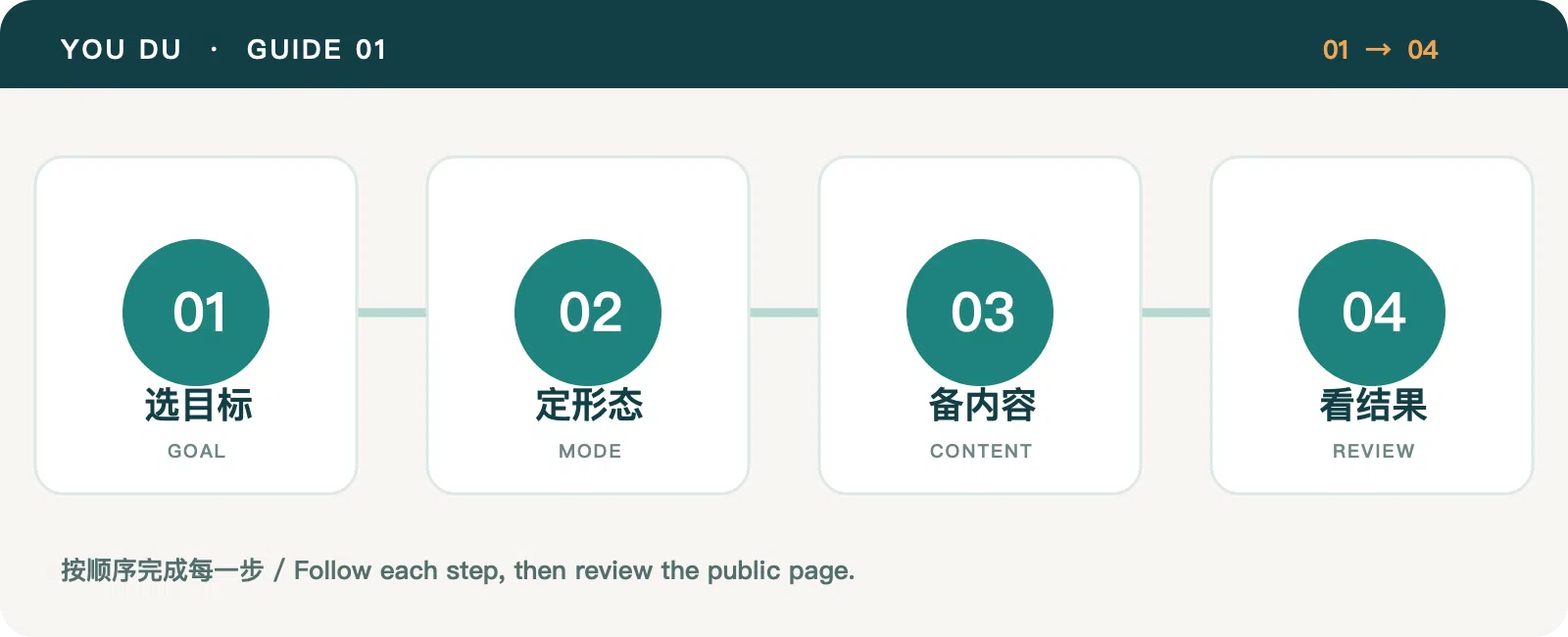
Choose the mode from the business goal
A content site suits a blog, brand knowledge base, or industry publication. It provides posts, pages, languages, media, SEO, and a general contact route without requiring a product catalog. Youdu Cross-Border uses this mode.
A B2B inquiry site suits equipment, custom goods, and purchases that need specification discussions. It adds products, categories, inquiry forms, and an inquiry workspace. A reference price is optional; direct checkout is not part of this mode. Xinrui Machinery illustrates this route.
An online store suits products with a defined price, delivery method, and payment journey. It adds cart, checkout, orders, and relevant payment and shipping settings. YouDu Tea uses the store mode.
The site mode is chosen when the site is created and cannot be switched in place. Write down the visitor's useful final action first: a contact after reading, a qualified inquiry with specifications, or an order. A larger feature list is not a reason to choose the store mode.
Set up the essentials shared by all sites
- In Settings → General, set the site name, short name, logo, icon, and homepage summary.
- Review the default language and any additional languages. Prepare a title and body that make sense on their own in each language.
- Create a clear structure: About, Contact, core content, and one action that matches the business goal.
- Upload images with a purpose, describe them accurately, and check the published pages on mobile.
Saving in the admin starts a publishing process. Always review the actual public page after the new version is available.
Launch with a small scope
A content site can begin with an About page and three articles answering buyer questions. An inquiry site can begin with one category and a handful of complete product pages. A store can begin with products it can price and deliver accurately. Expand after reviewing actual searches, contacts, inquiries, and orders.
Continue with brand and language setup. If you are still deciding what to sell, read the market validation guide.
Category: Site Guides
Tags: Platform Guide · Site Planning · Site Operations